



I’d been keeping receipts in a folder for taxes and it was a mess. Photographing them still meant I had to type everything out manually, and the apps I tried wanted cloud access to my financial data.
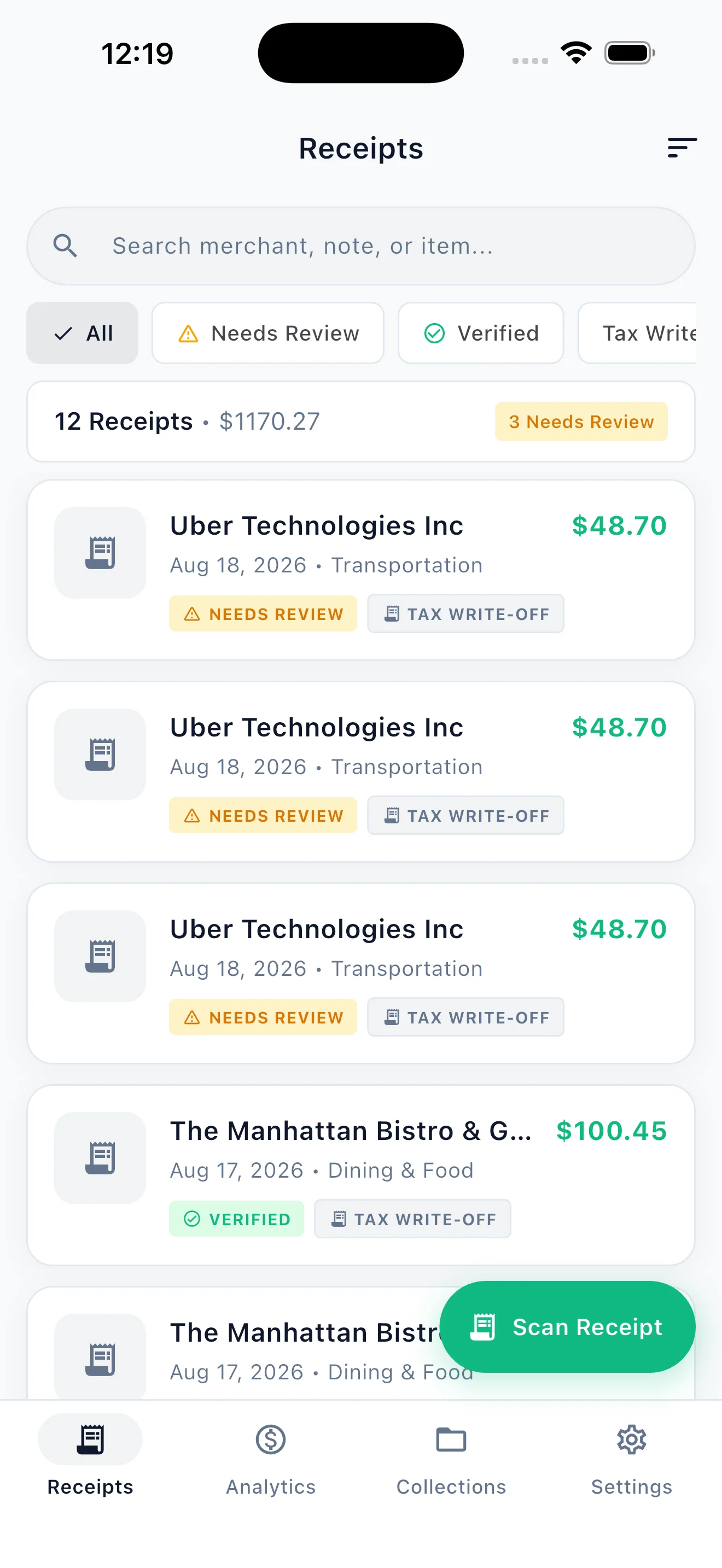
ReceiptBox scans the receipt with your camera, pulls out the totals and line items on-device, and flags if the math doesn’t add up. You can also split the bill with friends and export a clean report at tax time. Nothing leaves your phone.
Key Features
- Instant OCR Scanning: Point your camera to extract merchant names, line items, dates, and total amounts in seconds using fast on-device optical character recognition.
- Math Error & Overcharge Detection: Automatically verifies that item subtotals, tax rates, and tips sum up accurately to the final charged total, catching merchant mistakes or accidental double charges.
- Smart Bill Splitting: Tap items to assign them to specific friends, calculate proportional tax and tip shares, and generate direct Venmo or Cash App payment requests.
- Tax-Ready Export Reports: Generate clean PDF reports with embedded receipt images, or export raw CSV/Excel spreadsheets formatted for tax filings and company reimbursements.
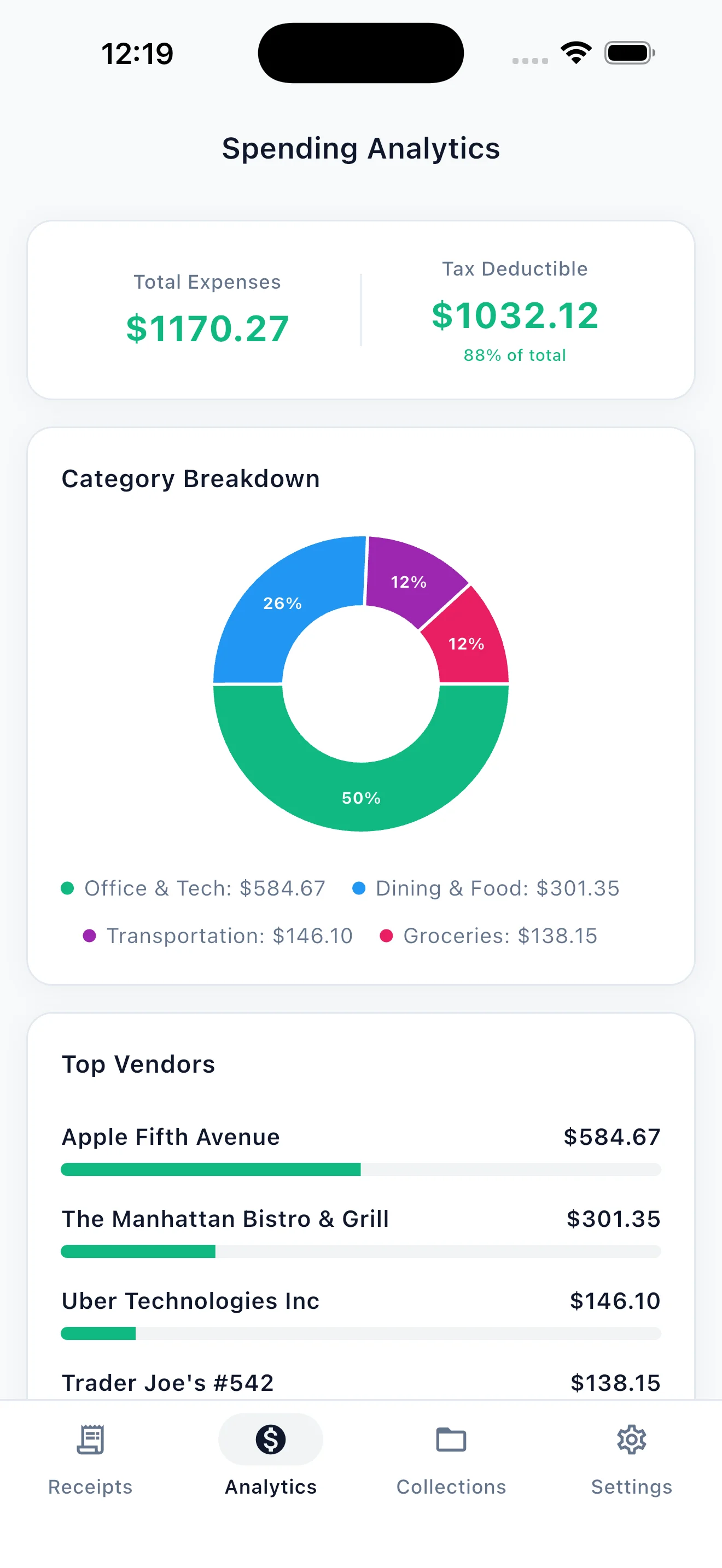
- Visual Spending Insights & Budgets: Monitor monthly spending with intuitive category breakdowns, set budget limits, and see exactly where your money goes.
- 100% Offline & Private: Zero accounts, zero cloud servers, and zero telemetry. All scans and expense histories remain exclusively on your device.
Screenshots
Tech Stack
- Framework: Flutter & Dart
- OCR & Vision: On-Device Optical Character Recognition (ML Kit)
- Storage: Local SQLite Database
- Reporting: PDF Document Generation & CSV Export
- Platforms: iOS (iPhone & iPad) & Android




Leave a comment